
Cancel Anytime - No long term contracts
Sign up in minutes!
Built Easy, Even on hard days.
Cancel Anytime - No long term contracts Sign up in minutes! Built Easy, Even on hard days.
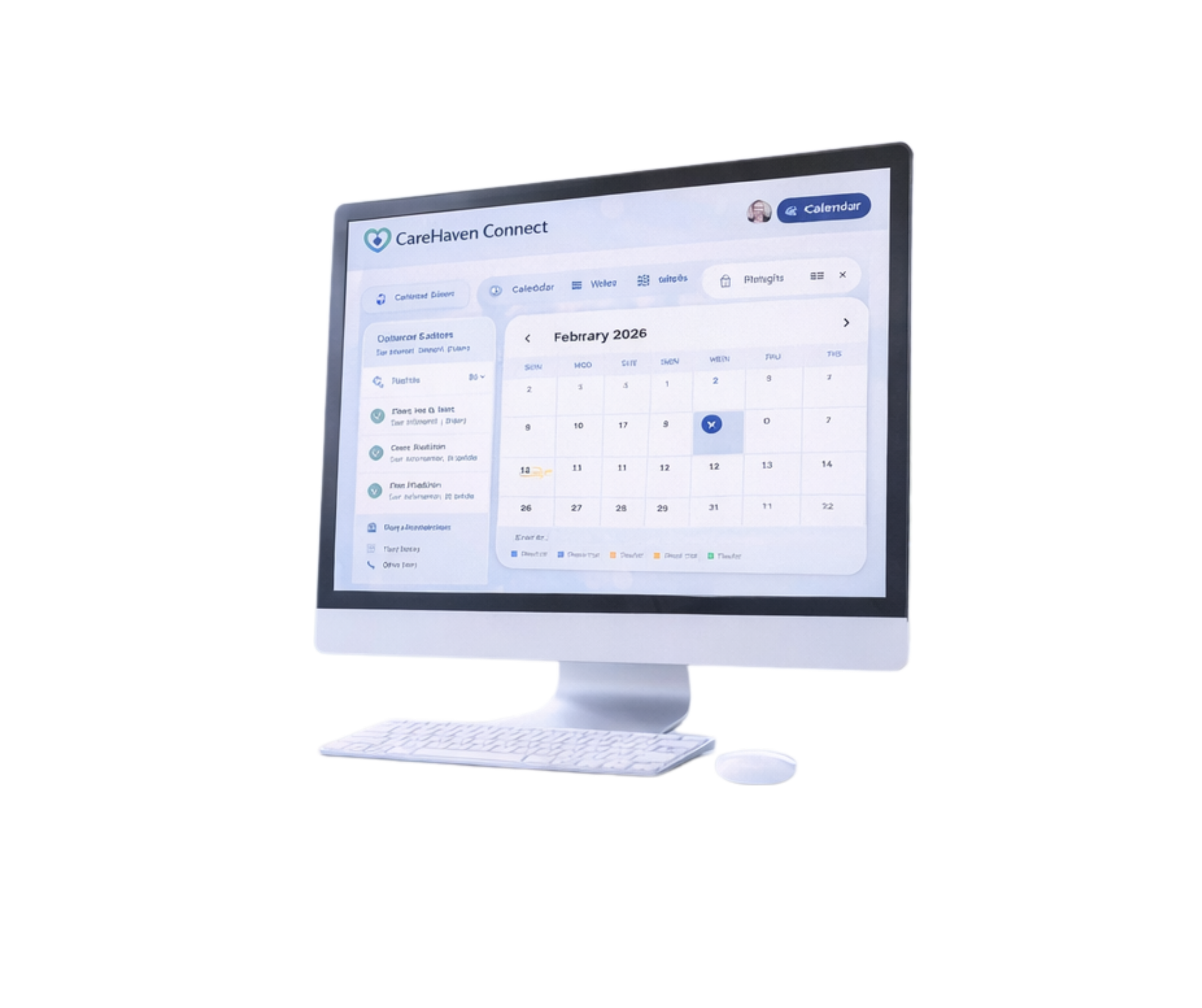
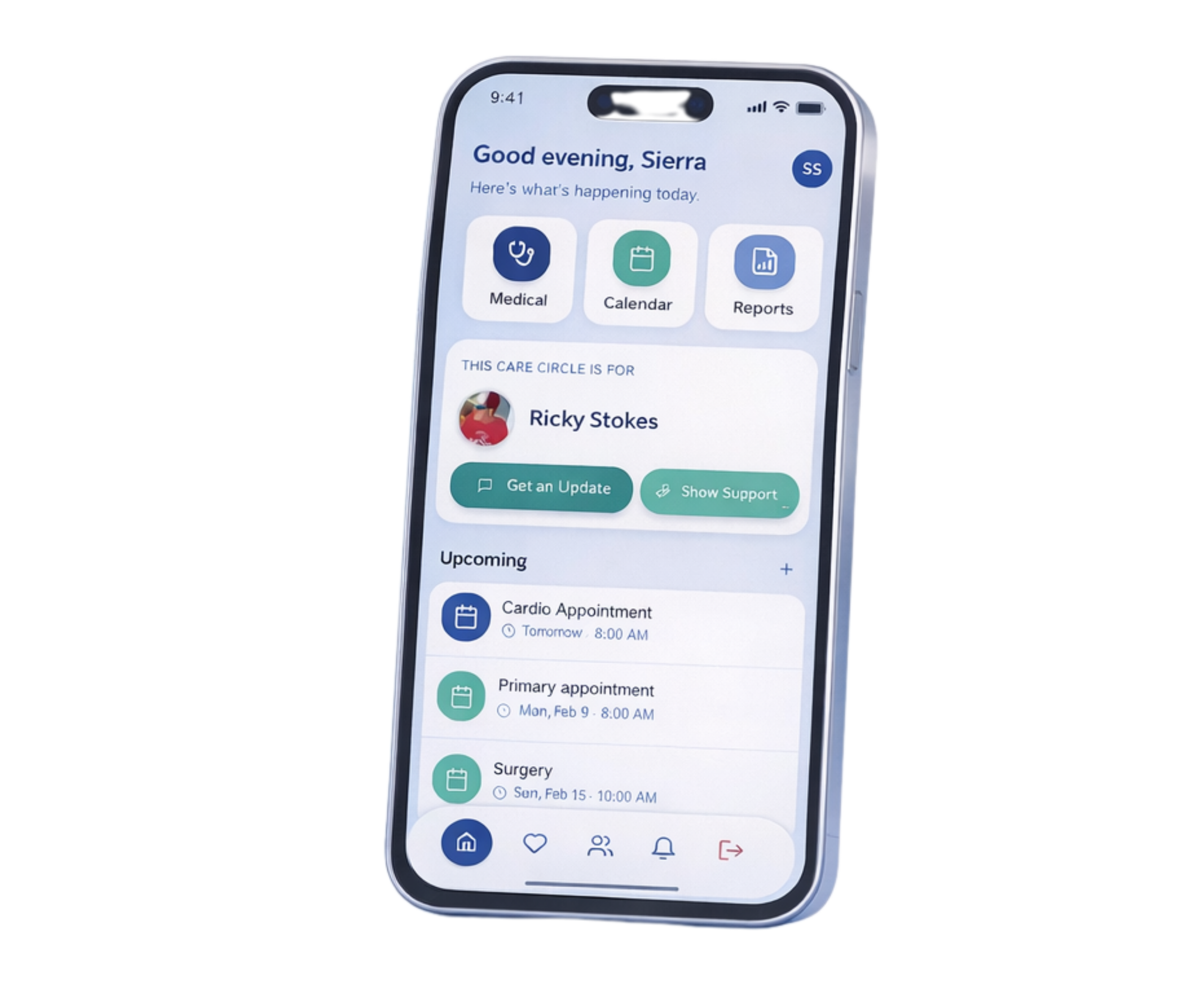
Carehaven Connect Features:
Crisis Mode-
Easily alert family/friends when an emergency occurs.
1
Doctors & Visit , Medication, Medical History, -
Keep doctors , doctors visit notes, medications and medical history stored all in one easy to find place.
2
Calendar-
Keep all appointments and task organized and receive updates and notifications for upcoming events and task.
3
Reports-
Carehaven Plus allows member to easily generate a report for viewing, sharing or downloading.
4
FREE
1 Care Circle
Crisis Mode (Email notification)
Doctors, Medication & Medical History Tracking
Basic ADL tracking
Calendar & Scheduling
Care notes & updates
LIMITATIONS:
No SMS notification
No Form Generations/Downloads
Limited to 1 Care Circle
CARE PLUS
Get 33% off CareHaven Plus for the first 3 Months with code: : CARE33
$9.99/m
Unlimited Care Circles
Unlimited Care team members
Crisis Mode (Email + SMS Notifications with location sharing + Easy Snapshot Document)
Doctors, Medication & Medical History Tracking
Calendar & Scheduling
Care notes & logging
SMS Notifications
PDF Report Generation
Medical History Tracking
Priority support
Frequently Asked Questions
-
CareHaven Connect is a caregiver organization and coordination tool designed to help families keep important information in one place and share updates with the right people—without endless texts, confusion, or missed details.
-
CareHaven Connect is for anyone helping care for someone else, including adult children caring for aging parents, spouses/partners, parents supporting children, long-distance caregivers, and families coordinating support during illness, recovery, or life transitions.
-
No. CareHaven Connect was built to be simple and user-friendly, even for people who don’t consider themselves tech-savvy.
-
A Care Circle is a private shared space inside CareHaven Connect created for one specific person. It allows you to organize information and invite trusted helpers to collaborate.
-
Yes. Each person has their own Care Circle.
-
Yes. Each Care Circle has unique members. This keeps information organized and prevents oversharing across different loved ones.
-
No. Members are not shared automatically. Only members invited to a specific Care Circle can access that Care Circle.
-
Yes. CareHaven Connect includes a Free tier so you can get started right away.
-
The Free tier includes 1 Care Circle (one loved one).
-
Premium is required if you want to:
add another loved one
create a Care Circle for yourself
manage more than one Care Circle total
-
Premium is $9.99/month. You can cancel anytime.
-
Yes. Many users start with one loved one and upgrade later when they want to add more Care Circles.
-
Yes. CareHaven occasionally offers discounts and promotional codes.
-
CareHaven Connect is private by design. Only the members you invite into a Care Circle can access that Care Circle.
-
Only the Care Circle owner/creator and the members invited to that specific Care Circle.
-
No. Other users cannot search for or view your Care Circles.
-
No. CareHaven Connect does not sell personal information.
-
No. Invited members do not need to pay. Premium is only required for the account holder to create additional Care Circles.
-
Yes. You can remove members at any time.
-
You can remove them immediately to prevent access moving forward.
-
Yes. You can cancel Premium at any time. Your access remains active until the end of your billing cycle.
-
Your account remains active on the Free tier, which includes 1 Care Circle. Additional Care Circles may become inactive until you upgrade again.
-
No. Information is not automatically deleted. Your account may simply be limited to the Free tier structure until you upgrade again.
-
You can reach support through the app or by email (I’VE GOT TO GET AN EMAIL ADDRESS TO PUT HERE). We welcome questions, feedback, and feature requests.